work / editor-setup
Editor Setup
2025
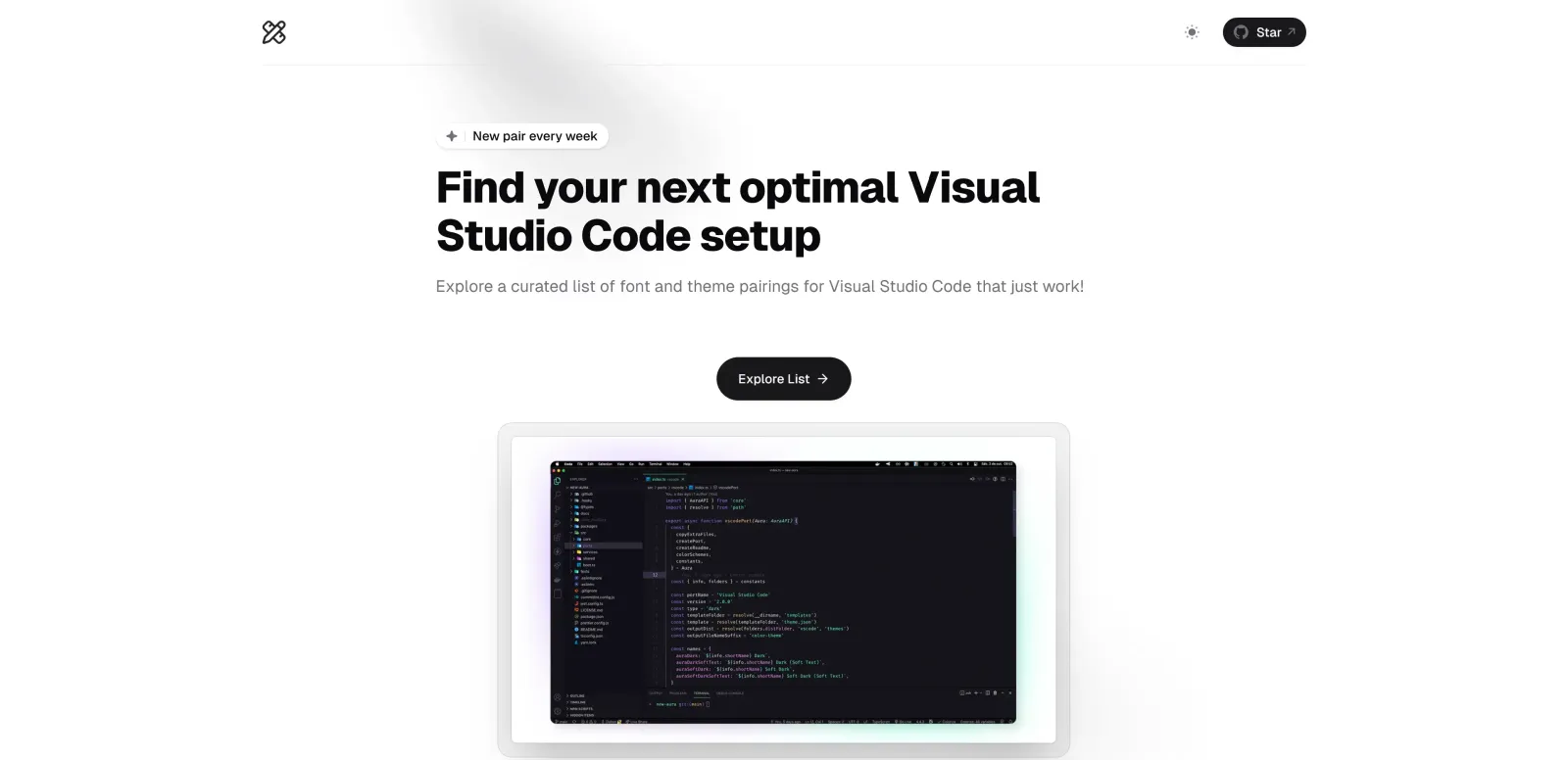
Curated VS Code font + theme pairings built with Next.js
Problem
Developers waste hours scrolling through Reddit, blogs, and GitHub to find a VS Code theme and font that work well together. There's no simple, curated index of proven pairings. Most resources list themes or fonts separately, leaving users to guess which combinations actually look good and improve readability.
My role
Solo developer – built the entire application from scratch using Next.js. Designed the UI, hand‑selected 8 font‑theme pairs that work harmoniously, and deployed the static site to Netlify. Implemented a clean, scannable layout so users can quickly preview each pairing.
Solution
Created Editor Setup, a Next.js static site that showcases 8 carefully chosen Visual Studio Code font and theme pairings. Each card displays the theme name, font name, a code preview, and one‑click links to install both components. The site is fully responsive and loads instantly.
Impact
- ▸8 curated font + theme pairings, ready to use
- ▸Built with Next.js static generation for near‑zero latency
- ▸Direct VS Code marketplace links for one‑click install
- ▸Community feedback: 'Finally, someone paired JetBrains Mono with One Dark Pro — looks amazing'
Editor Setup solves the 'analysis paralysis' of customizing VS Code. It's a lean, focused tool that demonstrates my ability to ship a complete, user‑centric frontend application from idea to deployment.